
Top 5 Alarm Clocks & Wake-Up Lights for Rotating Schedules
Sunrise lights, bed shakers, and loud backups for waking up reliably on a schedule that never sits still.
A note before we start: this post contains affiliate links, and a purchase through one may earn MyShiftX a small commission at no extra cost to you.
Sleeping through an alarm is a different kind of risk when your shift starts at 5 a.m. after four hours of sleep than when it’s a regular 9-to-5. Rotating schedules, early park opens, late closes, and split shifts already make consistent sleep hard. Waking up reliably on top of that — especially from daytime sleep, when your body is actively fighting to stay asleep — is its own problem, and a phone alarm on silent or a dead battery is a real way to miss a shift entirely.
The best tools for this kind of schedule either wake you gradually with light, use vibration, or provide a loud, dependable backup that doesn’t rely on a phone that might be on silent or out of battery.
What Matters for Shift Schedules
- Reliability — phones can be silenced, die, or get left in another room.
- Options that work for daytime sleepers (light-based or vibrating).
- Ability to set multiple alarms or easy adjustment for changing start times.
- Volume or intensity that actually wakes a heavy sleeper without being traumatic.
- Simple interface so you’re not fighting the device when half-asleep.
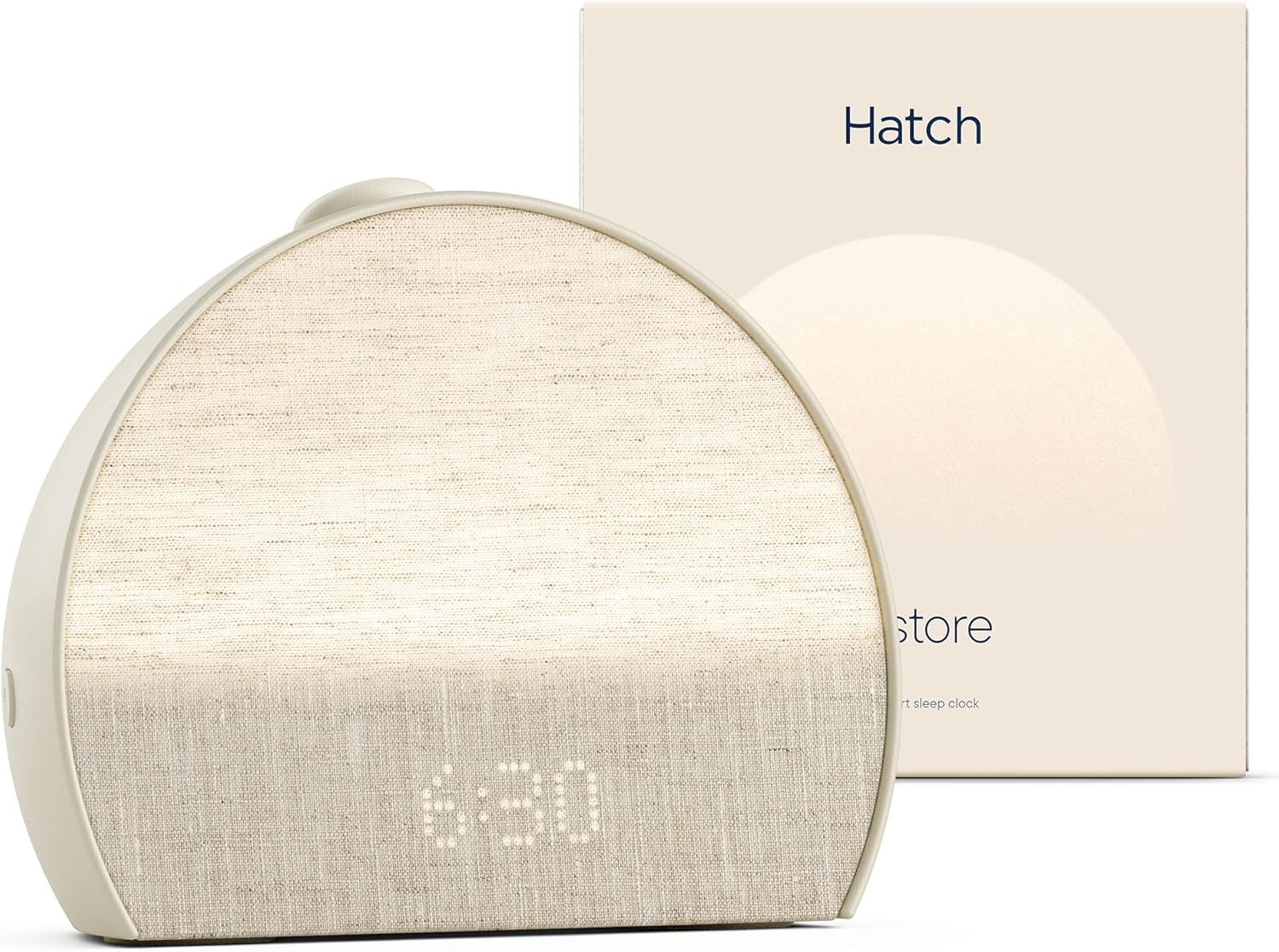
Hatch Restore
Pros
- Gradual light wake-up
- Sleep sounds
- Customizable
- Good for sensitive sleepers
Cons
- Higher price
- Requires power and app setup
Best for: People who want a gentler, more complete sleep-and-wake system.
Check Current Price on AmazonThe Hatch Restore combines a sunrise alarm, sound machine, and bedside lamp in one device. The gradual light ramp mimics natural sunrise, which many people find gentler and more effective than a sudden loud beep — especially useful when you’re waking for an early shift after daytime sleep. It also offers a range of sleep sounds for falling asleep in the first place.
The app control and customizable routines make it adaptable to changing schedules. It’s a premium option, but for people who struggle with abrupt alarms or need better wind-down and wake-up support, it often becomes a daily tool.
Philips Wake-Up Light
Pros
- Effective gradual light
- Relatively straightforward
- Proven for many users
Cons
- Light alone may not wake the heaviest sleepers
- Sound options vary by model
Best for: Daytime sleepers who respond well to light cues.
Check Current Price on AmazonPhilips wake-up lights focus on the gradual light approach. The light intensity increases over a set period before the optional sound alarm kicks in. This is particularly helpful for shift workers who sleep in dark rooms (with blackout curtains) and need a strong but natural-feeling signal to wake.
Many models include nature sounds or radio as backup. They’re simpler than full smart systems and have a long track record among people who prefer light-based waking.
Vibrating / Bed-Shaker Alarms
Pros
- Highly effective for heavy sleepers
- Discrete in shared housing
- Doesn't rely on sound alone
Cons
- Requires placement under the mattress or pillow
- Some models feel industrial
Best for: Heavy sleepers, shared living situations, or anyone who sleeps through regular alarms.
Check Current Price on AmazonWhen sound isn’t enough — or when you share a space and don’t want to blast an alarm — vibrating alarms that shake the bed or a pillow can be more effective. Some models combine vibration with sound or light. These are popular among people with hearing differences and among heavy sleepers who sleep through conventional alarms.
For shift workers, a bed-shaker provides a physical cue that is hard to ignore and doesn’t rely on volume that might disturb others.
Loud Traditional Alarm as Backup
Pros
- Extremely reliable
- No app or complex setup
- Works offline
Cons
- Can be jarring
- Limited features
Best for: Backup alarm or for people who prefer pure simplicity.
Check Current Price on AmazonSometimes the simplest solution is still the best backup. A loud, battery-powered or plug-in alarm clock with a strong buzzer or bell gives you a failsafe that doesn’t depend on a phone, Wi-Fi, or app. Many shift workers keep one as a secondary alarm in case the primary method fails.
Look for models with easy-to-set dual alarms and a volume that can cut through deep sleep. Battery backup is useful for power outages or if the unit is unplugged accidentally.
Phone and Watch Charging Stand
Pros
- Keeps phone and watch charged and visible as backup alarms
- Tidy bedside setup
- Some models include a night-light or clock display
Cons
- Another device to set up
- Not itself an alarm — just supporting infrastructure
Best for: Anyone who relies on a phone or smartwatch as a backup alarm and wants both charged and ready without hunting for cables at odd hours.
Check Current Price on AmazonA dedicated bedside charging stand isn’t an alarm clock on its own, but it earns its place in this list because so many shift workers still use their phone (or a smartwatch) as the real backup alarm. A stand that charges both overnight, or during a short daytime sleep window, means neither device is sitting dead or half-charged when the primary alarm goes off.
Look for one with a stable base, cables long enough to reach your usual outlet, and enough angle adjustment that you can actually glance at the time without fumbling in the dark. A few models add a soft night-light, which is useful for the walk to the bathroom without turning on a bright overhead light and undoing your wind-down.
The Two-Alarm Rule
Anyone who has actually missed a shift to a dead phone or a silenced alarm tends to adopt the same rule afterward: never rely on exactly one alarm for anything that matters. The specific tools differ, but the logic is always the same — two systems that fail independently. A phone alarm and a battery-powered backup clock cover different failure modes: the phone dies or gets left on silent from the last time you turned it off during a movie, while a $10 battery alarm doesn’t care about either of those things.
The same logic applies to light-based systems. A wake-up light is genuinely gentler and better for daytime sleep, but light alone won’t reliably wake every heavy sleeper, especially early in the adjustment period. Pairing a light-based primary alarm with a loud or vibrating backup, set a few minutes later, catches the mornings the gentle option isn’t enough without giving up its benefits on the mornings it is.
Practical Tips for Rotating Schedules
- Set the alarm for the time you actually need to be up, not the time you hope to get up. Build in buffer for the fog of short-turnaround sleep.
- Use progressive methods when possible: light first, then sound or vibration if needed.
- Keep the primary alarm across the room or on a different surface so you have to get up to turn it off.
- Test any new device on a day off so you know it works before relying on it for a critical shift.
- Combine with consistent wind-down and a dark, cool sleep environment for the best chance of quality rest between shifts.
Waking up reliably for irregular shifts is a core part of surviving the schedule. A good wake-up light or vibrating alarm can reduce the daily battle with the snooze button and make short-turnaround sleep less punishing. Start with the style that matches how you currently fail to wake (too abrupt, not strong enough, or disrupted by shared space), then refine from real use.
Consistency matters more than perfection. Even a simple, reliable alarm that you actually hear and respond to is better than a sophisticated system you ignore or that fails because of an app or battery issue. Test any new device thoroughly before trusting it for a critical early shift, and keep a basic backup method available until you are confident in the primary one. Over time, pairing a good wake-up tool with a consistently dark and cool sleep environment makes the short recovery windows between shifts more usable.
See what a shift board actually looks like
A walkthrough of the Wall, the calendar, and how a trade gets settled.
Explore the demo